Bulk-generate & schedule posts in seconds with Smart Scheduling. Try now!
How to turn off a business account on Instagram
 Published by Nawal Mansoor
Do you know 87% of Instagram users worldwide say they have taken an action after seeing a product on Instagram? Many other similar statistics prove that Instagram is an essential platform for businesses to showcase their products and build strong brand awareness.
However, there are many situations in which you might want to revert from a business account to a personal profile, such as for better privacy or simply due to a changing content strategy. So, let’s discover how to turn off your business account on Instagram in this detailed guide, starting with the basics.
Instagram Marketing
Schedule your Instagram posts, Reels, and Stories, and get recommended best time to publish for maximum engagement.
Get Started for FREE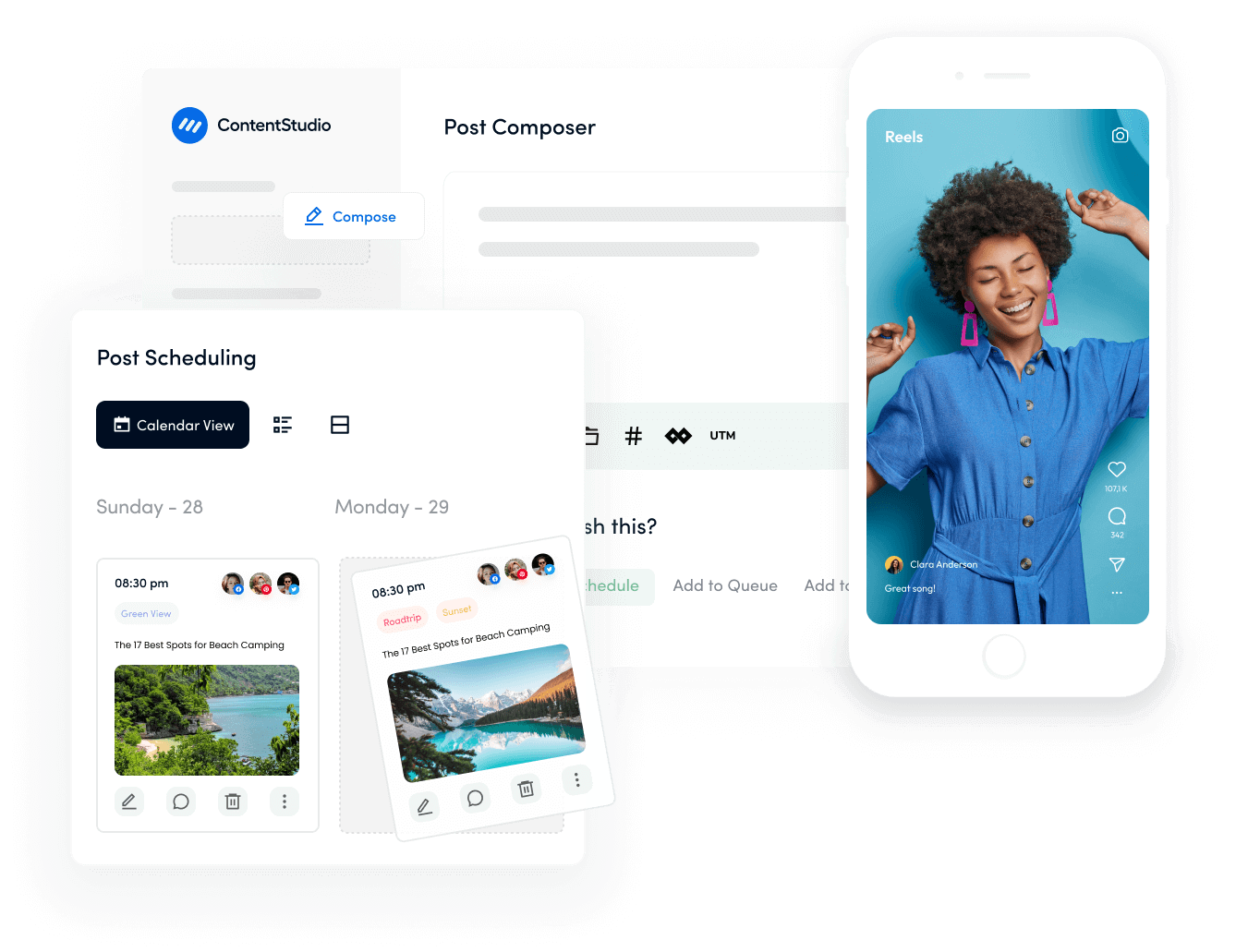
What is a business account on Instagram?
An Instagram business account is a specialized profile type designed specifically for brands, companies, and professional creators. Unlike personal accounts, business profiles provide access to professional tools, including detailed analytics, advertising capabilities, and enhanced contact options that help businesses grow their presence and measure their success on the platform.
Business accounts display specific features that set them apart from personal profiles. You’ll notice a category label beneath the business name (such as “Restaurant,” “Clothing Store,” or “Marketing Agency”), clickable contact buttons for email and phone, and the ability to view detailed performance metrics for every post and story.
The following image shows the Instagram profiles of Adidas, FIFA, and The Wall Street Journal, which are all examples of business accounts.

What are the benefits of a business account on Instagram?
Before deciding to turn off your business account, it’s important to understand what features you’ll be giving up. Instagram business accounts offer several powerful advantages that can significantly impact your marketing efforts and audience engagement.
Advanced analytics and insights
Business accounts unlock Instagram Insights, a comprehensive analytics dashboard that tracks post performance, audience demographics, reach, and engagement metrics. You can see when your followers are most active, which content resonates best, and how your audience is growing over time.

This data-driven approach allows you to refine your content strategy, optimize posting schedules, and create content that genuinely connects with your target audience.
Professional contact options
Business profiles can add dedicated contact buttons directly to their profile, making it effortless for customers to reach you. Options include email, phone calls, and directions to your physical location.

This streamlined communication is particularly valuable for service-based businesses, local retailers, and companies that rely on direct customer interactions to drive sales and build relationships.
Instagram advertising capabilities
Only business accounts can create and run Instagram ads through Meta’s advertising platform. You can promote posts, stories, and reels to targeted audiences based on demographics, interests, behaviors, and location.

This powerful advertising tool enables precise targeting and helps expand your reach beyond organic followers, driving website traffic, generating leads, and increasing conversions.
Shopping and product tagging features
If you sell physical products, business accounts enable Instagram Shopping features that transform your profile into a digital storefront. You can tag products directly in posts and stories, allowing users to view prices and purchase without leaving the app.

Also read: Step-by-step guide to creating a profitable Instagram sales funnel.
Why should you turn off bussiness account on Instagram?
While business accounts offer numerous advantages, there are legitimate reasons why switching back to a personal account might be the right move for you. Understanding these scenarios will help you make an informed decision that aligns with your current goals.
Simplifying your Instagram experience
If you find the business features overwhelming or no longer need professional analytics and advertising tools, switching to a personal account can streamline your Instagram experience.
Personal profiles have a simpler, more intuitive interface with fewer options to navigate, allowing you to focus purely on creating and sharing content without the complexity of managing business metrics and promotional campaigns.
Privacy and profile control concerns
Business accounts are required to remain public, meaning anyone can view your profile, posts, and stories without your approval.

If you value privacy and want the ability to control who sees your content, a personal account allows you to set your profile to private. With a private personal account, you can approve or deny follow requests individually, giving you complete control over your audience and who accesses your content.
Strategic business shift or platform change
Your business objectives may have evolved to focus on different social media platforms where your target audience is more active.
If Instagram is no longer your primary marketing channel or you’ve discovered better results on platforms like TikTok, LinkedIn, or YouTube, maintaining a simpler personal account makes practical sense while keeping your username secured and your existing audience accessible for casual updates.
Building a more authentic personal brand
Personal brands, influencers, or businesses with a strong founder-centric identity might find a business account to be too corporate and impersonal. Switching to a personal account can help establish a more relatable, authentic presence that resonates with your audience on a deeper level. This approach works particularly well for coaches, consultants, artists, and solo entrepreneurs who want to emphasize the personal connection over business formality.
Avoiding algorithm limitations
Some users report that business accounts experience reduced organic reach compared to personal accounts, as Instagram’s algorithm may prioritize personal connections and engagement.
While Instagram hasn’t officially confirmed this, many creators have noticed improved engagement after switching to personal accounts. If you’ve experienced declining reach and engagement despite creating quality content, testing a personal account might help you reconnect with your audience more effectively.
How to turn off a bussiness account on Instagram?
Switching from a business account to a personal account is a straightforward process that takes just a few minutes.
Follow these detailed steps to turn off your business account while preserving your followers, posts, and engagement history.
Important warning: Once you switch to a personal account, you will permanently lose access to all your historical Instagram Insights and analytics data. This data cannot be recovered even if you switch back to a business account later.
Step 1: Open Instagram and navigate to your profile
Launch the Instagram app on your mobile device (Android or iOS) and tap your profile picture in the bottom right corner to access your profile page. Make sure you’re logged into the business account you want to convert.

Step 2: Access settings and privacy
Tap the three horizontal lines (hamburger menu) in the top right corner of your profile.

Scroll down the the For professionals section and tap Business tools and controls to open your account’s configuration.

Step 3: Navigate to the account type and tools
In the business tools settings menu, scroll down and tap on Switch account type. This section contains all the options related to your account type, including the ability to switch between personal, business, and creator accounts.

Step 4: Switch to personal account
You have two different options. Tap on Switch to personal account to make your account personal from business.

Instagram will explain what features you’ll lose by making this change. Review this information carefully to ensure you understand the implications.
The screen will display a summary of features you’ll lose, including:
- Instagram Insights and analytics
- Contact buttons on your profile
- Ability to run Instagram ads
- Shopping and product tagging capabilities
- Link stickers in stories (unless you’re a creator)

Provide your confirmation by tapping Switch to personal account. The conversion happens instantly, and your account will immediately revert to a personal profile with all business features disabled.
Congratulations!
You’ve successfully turned off your business account on Instagram. Your followers, posts, comments, and engagement history remain completely intact. The only changes are the removal of business features like insights, contact buttons, and advertising capabilities. You can now enjoy the simplicity and privacy options that come with a personal account.
How to switch back to the business account when needed?
Changed your mind?
The good news is that switching back to a business account is just as simple as turning it off. If you realize you need those professional features again, you can restore your business account status in minutes.
Here’s how to make the switch back.
Step 1: Access your profile settings
Open the Instagram app and navigate to your profile. Tap the three horizontal lines in the top right corner.

Step 2: Find account type and tools
Scroll down in the Settings menu and tap on Account type and tools. Then select “Switch account type” to see your available options.

Step 3: Choose to switch to the professional account
Tap Switch to professional account.

Choose the category that best describes your business from the provided list. This helps Instagram understand your account type and appears on your profile for visitors to see.

Step 4: Confirm your choice
Review your selection and tap OK to complete the switch.

Your account is now a business account again with full access to insights, advertising, and professional tools.
Remember: When you switch back to a business account, you’ll start collecting fresh insights and analytics from that point forward. Your previous insights data that was lost when you switched to personal cannot be recovered. Your profile will also be required to be public again, so adjust your privacy expectations accordingly.
Additionally, if you had Instagram Shopping enabled previously, you’ll need to reconnect your product catalog through Facebook Commerce Manager. Any previous ad campaigns will still be accessible through Facebook Ads Manager, but you’ll need to ensure your account is properly linked.
5 Tips to transition away from an Instagram business account
Making the switch from business to personal doesn’t have to disrupt your Instagram presence. With proper planning and execution, you can maintain your audience engagement and continue building your online community.
Here are seven expert tips to ensure a smooth transition.
1. Download and export your insights data first
Before making the switch, export all your Instagram Insights to preserve your historical analytics. You’ll have to access Meta Business Suite for this purpose.

You can export:
- Account insights (follower data, reach, impressions)
- Content insights (individual post performance)
- Specific date ranges (last 7, 14, 30, 60, or 90 days)
This information is invaluable for understanding what content worked well and can inform your future strategy even without access to real-time business analytics.
2. Communicate transparently with your audience
Inform your followers about the upcoming change before you make the switch. Create a post or story explaining why you’re transitioning to a personal account and reassure them that you’ll continue providing valuable content. This transparency builds trust and prevents confusion.
Consider posting something like:

Let them know what to expect, whether it’s more personal content, different posting frequency, or simply a more casual approach to your Instagram presence. If you’re changing how they can contact you (since contact buttons will be removed), provide alternative ways to reach you in your announcement.
3. Adapt your content strategy thoughtfully
Without access to detailed analytics, you’ll need to rely on engagement signals like comments, saves, and shares to understand what resonates with your audience. Focus on creating authentic, engaging content that encourages interaction.
Use Instagram’s native features to gather feedback:
- Polls in stories to ask questions
- Question stickers to invite conversations
- Quiz stickers to make content interactive
- Comment prompts that encourage responses
- Direct message invitations for deeper discussions
Pay attention to which posts generate the most meaningful conversations, saves, and shares. These signals are often more valuable than vanity metrics like likes. Without the pressure of analytics, you might find yourself creating more freely and authentically, which can actually improve your content quality.
4. Refresh your profile information completely
Update your bio, profile picture, and any links to reflect your new account type and current goals. This is an excellent opportunity to refine your personal brand messaging. Since you won’t have business contact buttons, make sure your bio includes clear information on how people can reach you if needed.
Consider these elements for your updated profile:
- A clear, personal bio that reflects your authentic voice
- Your email address, if you want people to contact you
- A link to your website, portfolio, or Linktree
- Relevant emojis that add personality
- Any credentials or achievements you want to highlight
Remember that you only have 150 characters for your bio and one clickable link, so make them count. If you need to share multiple links, use a link-in-bio tool like Linktree, Beacons, or Stan Store.
5. Use third-party analytics tools if needed
If you still want to track your performance metrics after switching to a personal account, consider using third-party analytics platforms. While they won’t provide the same depth as Instagram’s native business insights, they can give you valuable data about your performance.
ContentStudio is a powerful all-in-one social media management and analytics tool. You can use it to schedule and post Instagram content and also get detailed analytics. It can track follower growth, engagement rates, best posting times, and content performance.

Bonus tips: How to maintain your presence after switching to a personal account?
After successfully switching to a personal account, focus on these strategies to maintain and grow your presence without business tools.
- Focus on authentic engagement by responding to every comment thoughtfully, engaging in meaningful DM conversations, and building real relationships with your followers.
- Create content that naturally encourages engagement, such as educational carousel posts that people save for reference and relatable memes or quotes that get shared
- Use Instagram Stories to maintain a daily presence and connection with your audience.
- Establish a realistic posting schedule you can maintain. Consistency matters more than frequency.
- Use your email list, YouTube channel, TikTok, or other social platforms to drive traffic to your Instagram.
Conclusion
Turning off your business account on Instagram is a significant decision, but it doesn’t have to be complicated or stressful.
Whether you’re prioritizing privacy, simplifying your social media experience, or shifting your business focus to other platforms, switching to a personal account can provide the flexibility and authenticity you’re seeking.
The process itself is straightforward, as it involves just a few taps in your Instagram settings. But the preparation and strategy around the transition matter far more.
By exporting your analytics data, communicating transparently with your audience, adapting your content strategy, and maintaining consistent engagement, you can successfully transition without losing the community you’ve built.
Remember that this decision isn’t permanent. Instagram allows you to switch between account types as your needs evolve, giving you the flexibility to experiment and find what works best for your current situation.
FAQs
Will I lose my followers when I switch to a personal account?
No, you will not lose any followers when switching from a business to a personal account. All your followers, posts, comments, likes, and engagement history remain completely intact during the transition.
The only things that change are the features available to you. Business tools such as insights, contact buttons, and advertising capabilities will be removed, but your content and community will stay exactly the same.
Can I still promote my business with a personal account?
Yes, you can absolutely still promote your business with a personal account, though you’ll need to rely on organic strategies rather than paid advertising. You can share content related to your business, products, or services through regular posts, stories, and reels.
Focus on creating high-quality, valuable content that resonates with your target audience and encourages engagement and sharing. Use relevant hashtags, collaborate with other creators, engage authentically with your community, and use Instagram’s native features like polls and questions to maintain visibility.
How long does it take to switch from a business to a personal account?
The process is instant! As soon as you confirm the switch in your Instagram settings, your account immediately changes to a personal profile, and all business features are removed right away. The entire process takes less than a minute with just a few taps through your settings menu.
Can I switch back to a business account after turning it off?
Yes, you can switch back to a business account at any time with no penalties or restrictions. The process is just as simple as switching to personal, navigating to your account settings, selecting “Switch account type,” choosing “Business,” selecting your category, and adding your contact information. Your account will immediately regain access to business features like insights, advertising capabilities, and contact buttons.
What happens to my Instagram ads if I switch to a personal account?
When you switch to a personal account, all active Instagram ads will immediately stop running and cannot be accessed or managed through Instagram anymore. However, your ad campaign history and data remain saved in Meta Ads Manager, where you can still view past performance metrics and insights. If you plan to switch back to a business account in the future, you can access this historical data and create new campaigns.
Recommended for you







Powerful social media management software
7-day free trial - No credit card required.