Bulk-generate & schedule posts in seconds with Smart Scheduling. Try now!
Automate multi-platform social posting from Google Sheets via ContentStudio
Publish social media posts to multiple platforms directly from Google Sheets using ContentStudio n8n templates. Connect your Google Sheet with ContentStudio, schedule content in bulk, and let automation handle publishing while you focus on planning and execution.
Turn your Google Sheet into a social posting engine
Multi-platform posting made effortless, so you can focus on strategy and content creation.
Managing multiple clients
Schedule posts for several clients at once by organizing each account’s content in separate Google Sheets tabs, then publish without juggling multiple dashboards.
Product launches
Draft all launch announcements, promotional posts, and social updates in one spreadsheet, then automate publishing across Instagram, Facebook, and LinkedIn.
Content calendars
Keep your weekly or monthly content plan organized in Google Sheets and let the workflow handle posting on schedule so nothing is missed.

Media library
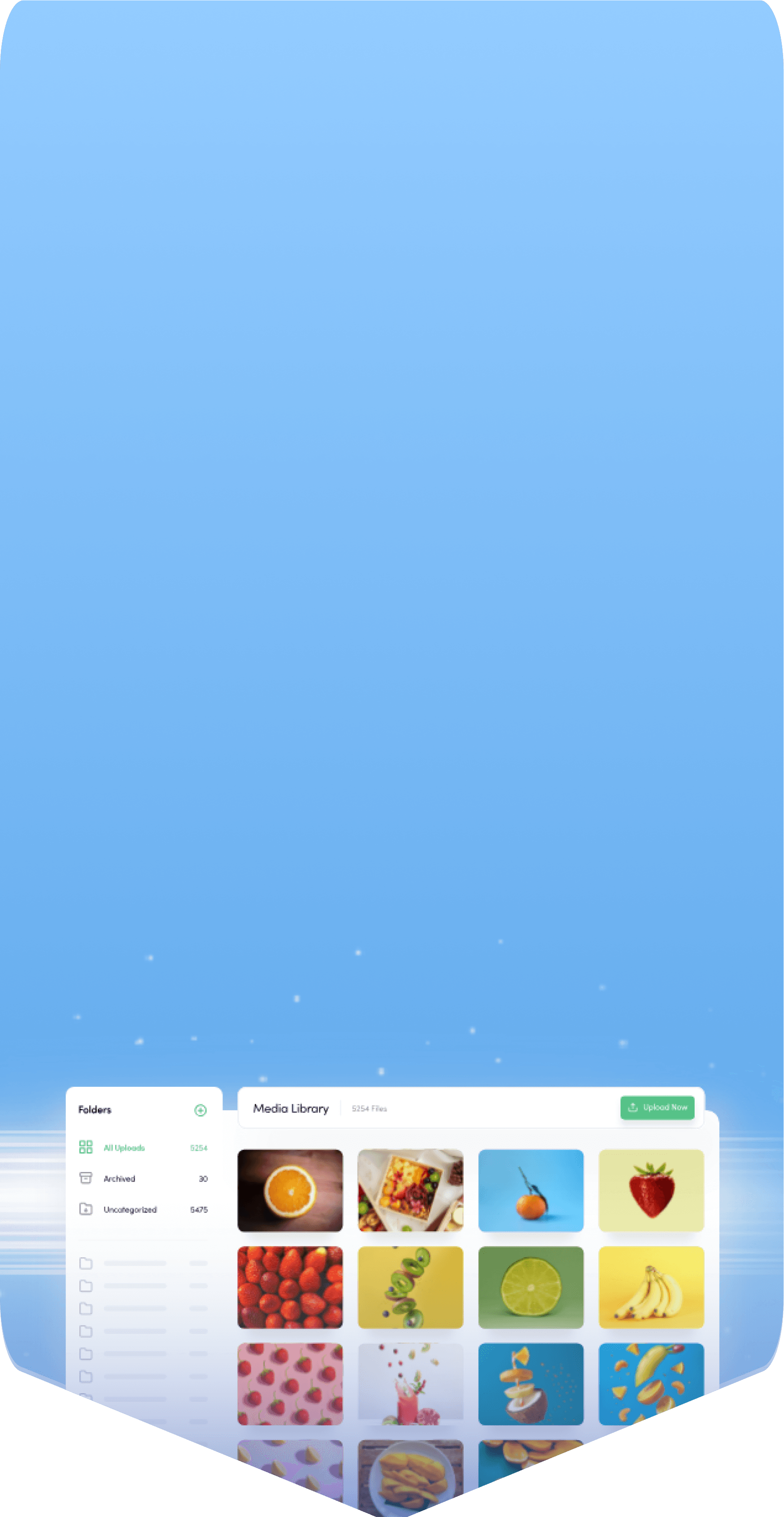
Store, organize, and share your best assets in personal storage

Mobile apps
Manage social on the go using ContentStudio's mobile apps

AI hashtags
Boost reach with AI-powered hashtags

Content categories
Use categories for smarter scheduling and organization

First comment
Reserve the first comment for yourself to add extra details on FB, IG, LI, YT

Media integrations
Source media from your Google drive, Dropbox, Pixabay, and others to create engaging posts

AI captions
AI generates captivating captions, complete with emojis and strategic hashtags

Best time to post
Follow our recommendation for the best time to post and get maximum content engagement
Get started in 3 simple steps
Setting up the ContentStudio n8n template is quick and easy. Simply download the JSON file, import it, and allow automation to manage the posting for you.
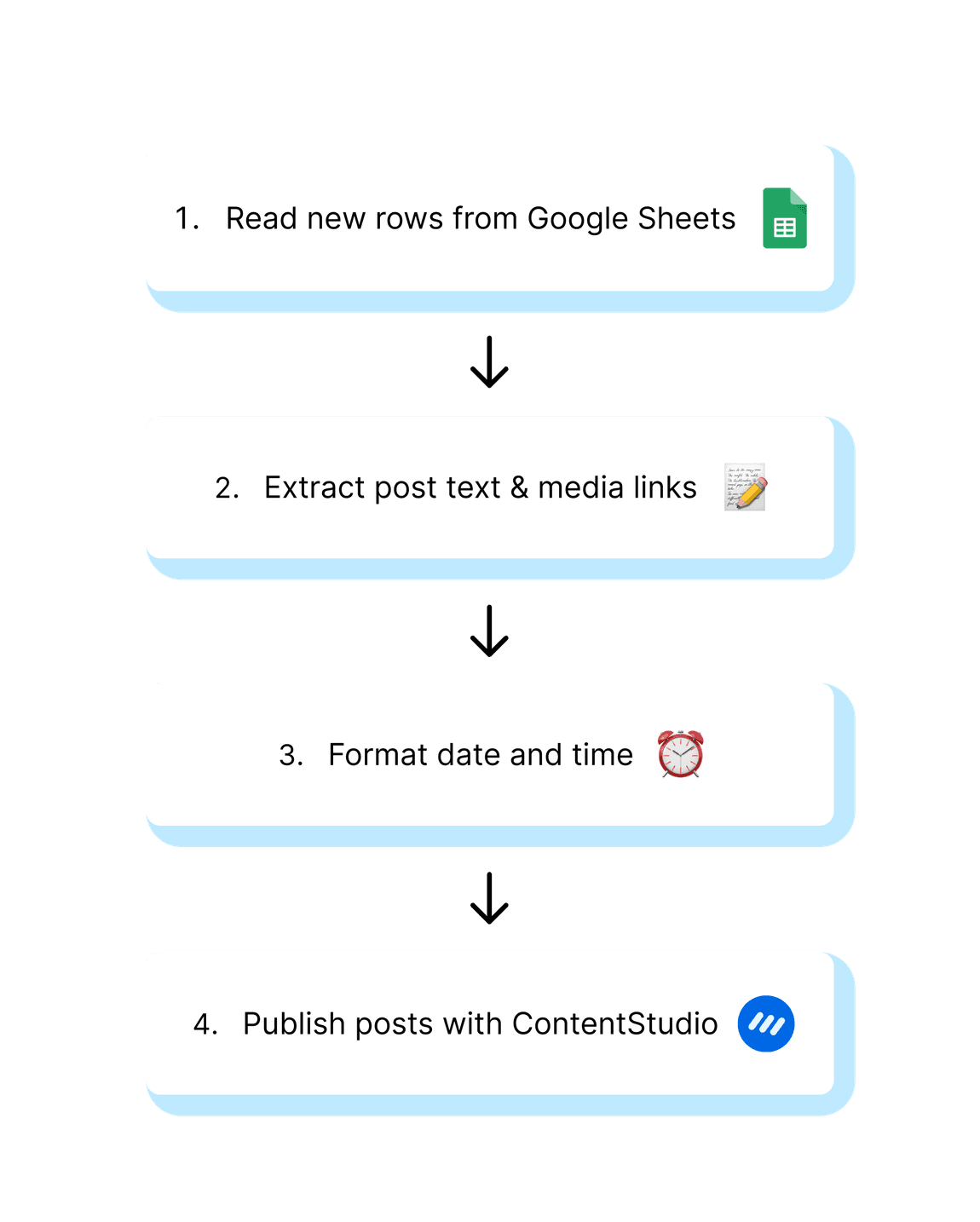
Read new rows from your Google Sheet to automatically pull in all your latest content.
Extract the post text and media links from each row so everything is ready to publish.
Publish your content across all connected social platforms through ContentStudio.
Explore more templates


Turn trending X hashtags into social content via Claude & ContentStudio


Auto-post Product Hunt launch day updates to your social profiles with ContentStudio


Monitor competitors and publish strategic counter-posts - ChatGPT & ContentStudio

Convert customer reviews into social proof posts with Google Sheets & ContentStudio

Auto-post RSS updates to your social profiles via ContentStudio
Auto-generate and schedule social posts via ChatGPT & ContentStudio


Turn YouTube videos from Airtable into social posts via Gemini & ContentStudio






Powerful social media management software
7-day free trial - No credit card required.